
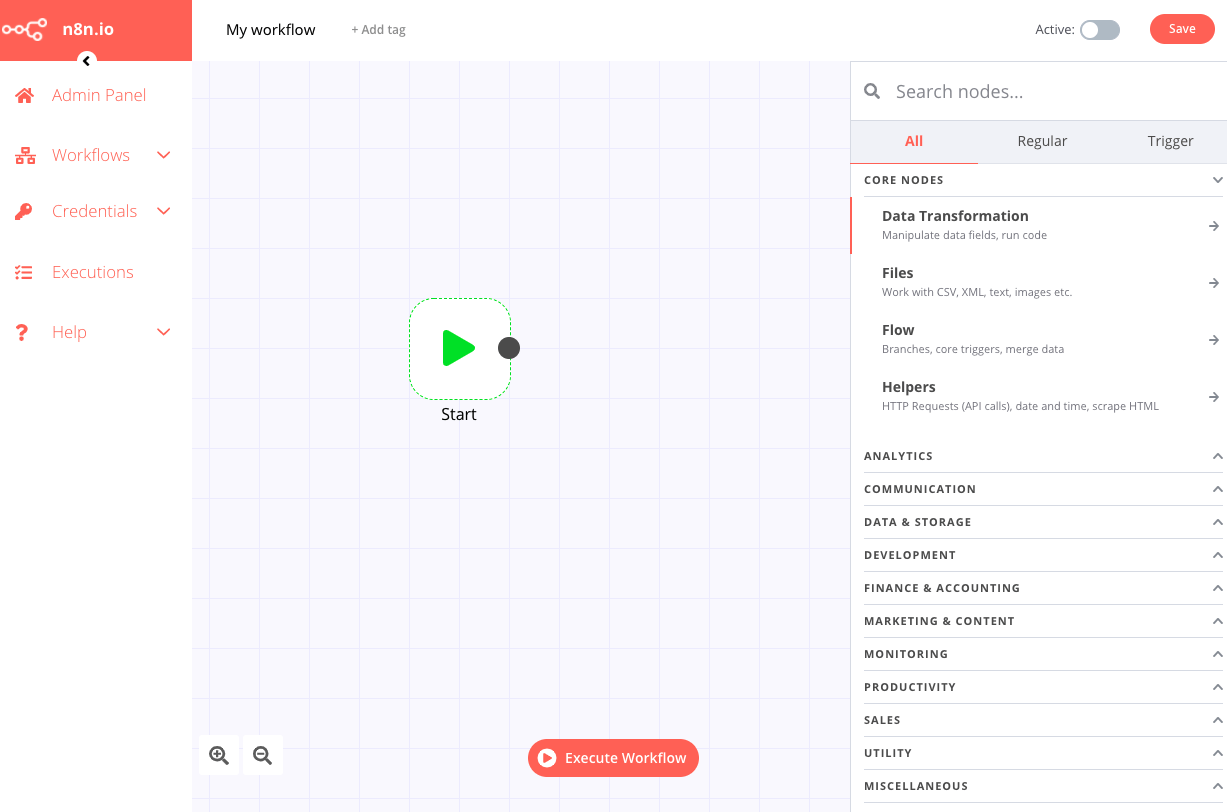
n8n 的核心是节点(Node)之间的数据流动。每个节点接收上游数据、处理后输出给下游。理解这一点,你就能设计任意复杂的工作流。
节点的三大类型
1. Trigger 节点(触发器)
工作流的起点,决定什么时候运行。
| 触发器 | 说明 | 典型用法 |
|---|---|---|
| Webhook | 接收 HTTP 请求时触发 | 接收表单提交、API 回调 |
| Schedule | 定时触发(Cron 表达式) | 每天早上 8 点跑数据报告 |
| Email Trigger | 收到邮件时触发 | 自动处理客户邮件 |
| File System | 文件变化时触发 | 新文件上传自动处理 |
| Manual | 手动点击触发 | 测试或一次性任务 |
Schedule 节点的 Cron 表达式:
0 8 * * 1-5    // 周一到周五早上 8:00
0 */2 * * *    // 每 2 小时
0 9 * * 1      // 每周一早上 9:00
2. Action 节点(操作)
对各类服务执行操作的节点,n8n 有 1,000+ 内置集成。
常用集成:
通讯: Slack、Gmail、Telegram、Notion
数据: PostgreSQL、MySQL、MongoDB、Google Sheets
代码: HTTP Request、GraphQL、Execute Command
云服务: AWS S3、Google Drive、Airtable
AI: OpenAI、Anthropic Claude、Hugging Face
3. Logic 节点(逻辑控制)
| 节点 | 功能 |
|---|---|
| IF | 条件分支,根据数据走不同路径 |
| Switch | 多条件分支 |
| Merge | 合并多个分支的数据 |
| Loop Over Items | 遍历数组中的每一项 |
| Wait | 暂停工作流,等待指定时间或外部事件 |
| Set | 设置/修改数据字段 |
| Code | 执行自定义 JavaScript 或 Python |
5 个实战工作流
工作流 1:GitHub PR 自动通知 Slack
场景:有人提交 PR,自动发 Slack 提醒代码 reviewer。
节点链: Webhook → IF(判断是否为 PR 事件)→ Slack
Webhook 配置: POST /github-webhook
IF 条件: {{ $json.body.action }} === "opened" AND {{ $json.body.pull_request }} 存在
Slack 消息:
  "🔔 新 PR: {{ $json.body.pull_request.title }}
   作者: {{ $json.body.pull_request.user.login }}
   链接: {{ $json.body.pull_request.html_url }}"
在 GitHub 仓库 Settings → Webhooks 填入 n8n 的 Webhook URL,事件选 Pull requests。
工作流 2:每日数据汇总邮件
场景:每天早上 8 点从数据库查询前一天数据,发邮件给管理层。
节点链: Schedule → PostgreSQL → Code(格式化)→ Gmail
// Code 节点:把数据库查询结果格式化为 HTML 表格
const items = $input.all();
const rows = items.map(item =>
  `<tr><td>${item.json.date}</td><td>${item.json.orders}</td><td>${item.json.revenue}</td></tr>`
).join('');

return [{
  json: {
    html: `<table><thead><tr><th>日期</th><th>订单数</th><th>收入</th></tr></thead>
           <tbody>${rows}</tbody></table>`,
    subject: `每日数据报告 - ${new Date().toLocaleDateString('zh-CN')}`
  }
}];
工作流 3:表单提交自动入 CRM + 发欢迎邮件
场景:网站表单提交 → 自动创建 HubSpot 联系人 → 发个性化欢迎邮件。
节点链: Webhook → HubSpot(Create Contact)→ Gmail(Send Email)
Webhook 接收: { name, email, company, role }

HubSpot 节点:
  - firstname: {{ $json.body.name.split(' ')[0] }}
  - email: {{ $json.body.email }}
  - company: {{ $json.body.company }}

Gmail 节点:
  - To: {{ $json.body.email }}
  - Subject: 欢迎加入,{{ $json.body.name.split(' ')[0] }}!
  - Body: (HTML 模板)
工作流 4:文件上传自动处理
场景:用户上传 CSV 文件 → 解析数据 → 批量写入数据库。
节点链: Webhook(接收文件)→ Spreadsheet File(解析 CSV)→ Loop Over Items → PostgreSQL(Insert)
关键配置:Webhook 节点设置 Binary Data 接收文件,Spreadsheet File 节点解析 CSV 内容为 JSON 数组,Loop Over Items 遍历每行,PostgreSQL 节点批量插入。
工作流 5:Telegram Bot 查询数据库
场景:给 Telegram Bot 发消息,自动查询数据库返回结果。
节点链: Telegram Trigger → Code(解析命令)→ PostgreSQL → Telegram(回复)
// Code 节点:解析用户命令
const text = $json.message.text;
const chatId = $json.message.chat.id;

// 支持命令: /stats, /order <id>
const command = text.split(' ')[0];
const arg = text.split(' ')[1];

return [{ json: { command, arg, chatId } }];
数据流动:理解 $json 和 $node
n8n 里每个节点的输出格式是 [{ json: {...} }, { json: {...} }, ...]——一个 items 数组。
在 Expression 里引用数据:
{{ $json.fieldName }}          // 当前节点输入的字段
{{ $json.nested.deep.value }}  // 嵌套字段
{{ $items()[0].json.name }}    // 当前节点第一个 item
{{ $node["节点名"].json.id }}  // 引用指定节点的输出
{{ $workflow.id }}             // 当前 workflow 的 ID
在 Code 节点里处理多条数据:
// 处理所有 items
const results = $input.all().map(item => ({
  json: {
    ...item.json,
    processed: true,
    timestamp: new Date().toISOString()
  }
}));
return results;

// 只返回满足条件的 items(相当于 filter)
return $input.all().filter(item => item.json.status === 'active');